
 Version Française
 WikipédiA
 |
Atari Falcon CT60
Version Française
|
WikipédiA |
 |
 |
 |
 |
 |
 |
| What's in the box? | External setup | Internal setup | IDE connector | ATI Radeon | Software |
|
The CPX for CT60 settings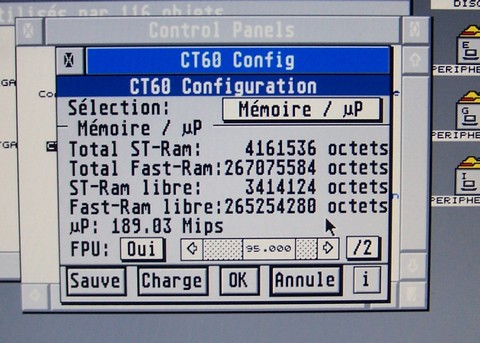
|
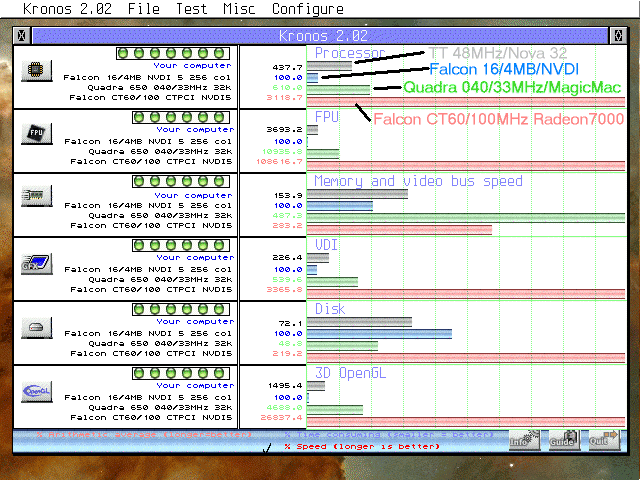
| The power of the CT60 I compared four computers with Kronos:
|
 |
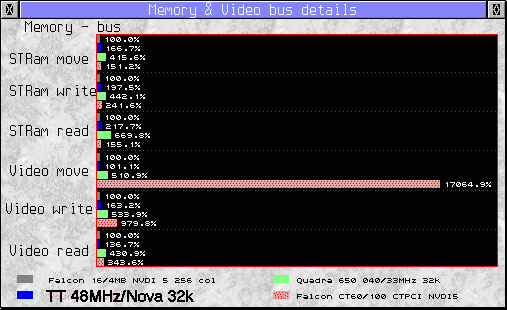 |
Concerning memory, the CT60 looks a bit slow, but this test is limited to ST RAM (witch is the same in 030 or 060 mode) and the Video memory.
The details show that:
|
 |
(*) two HDD died on the ATX psu, so, I re-used the Falcon power supply to isolate this last hard drive not knowing where the problem was coming from! |
|
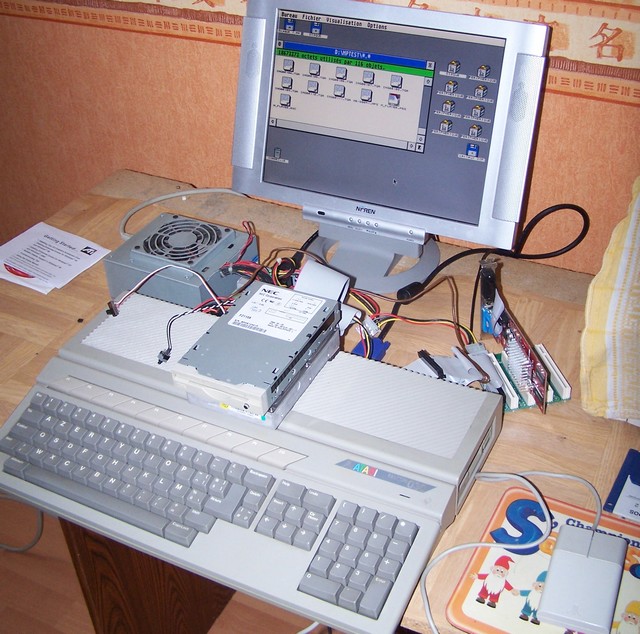
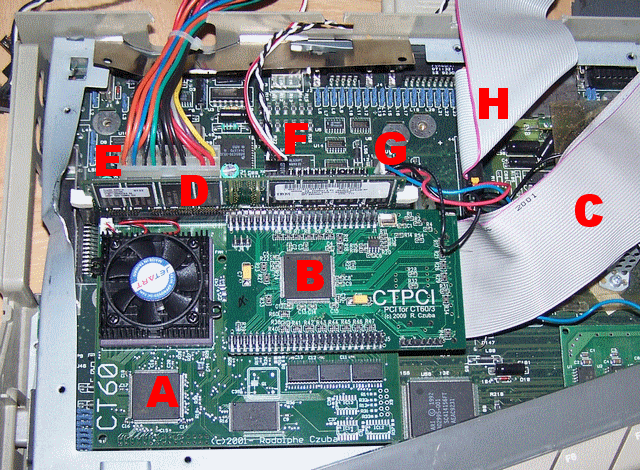
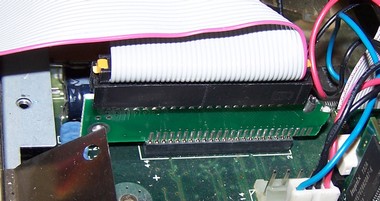
Here are the cards plugged into the Falcon. The original power supply is to be removed and an ATX PSU replaces it.
So you can see:
|
 |
 |
 |
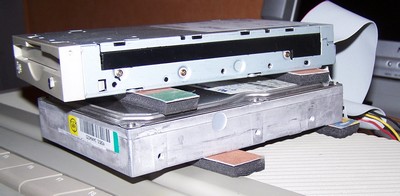 |
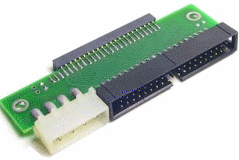
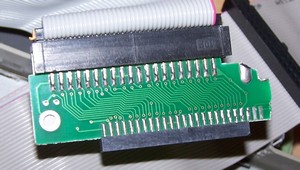
Finaly, I can plug two IDE devices: one hard drive as the Master and one ZIP as the Slave.
Note the "feet" I made with an old mouse pad to separate the drives and let some air cool them. |
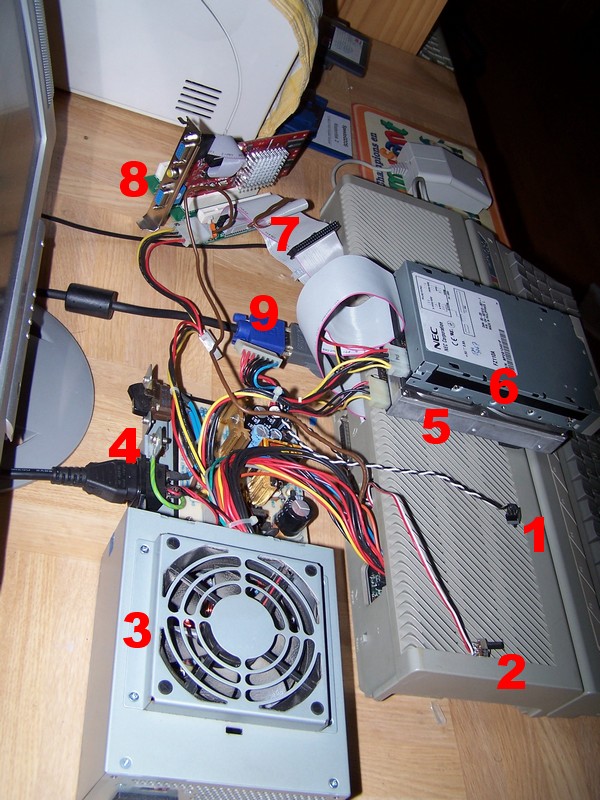
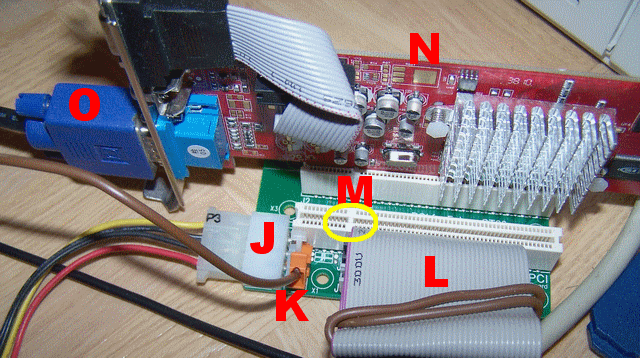
Here is the external setup for the PCI cards. You can see:
|
 |
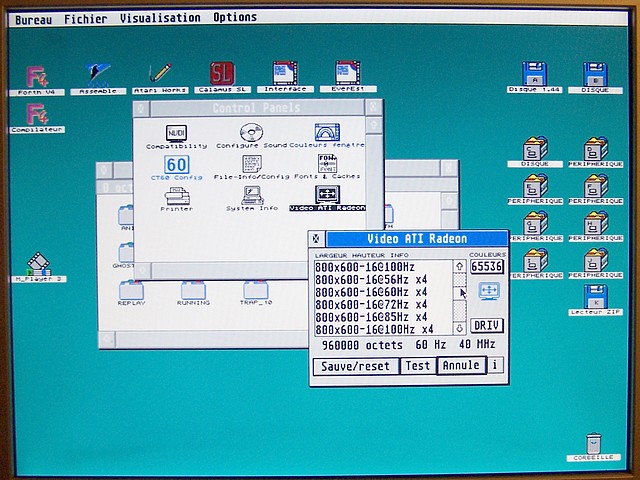 |
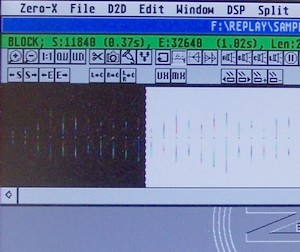
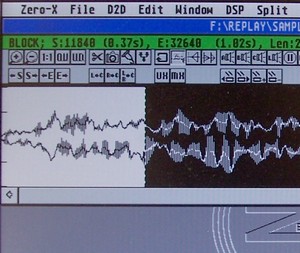
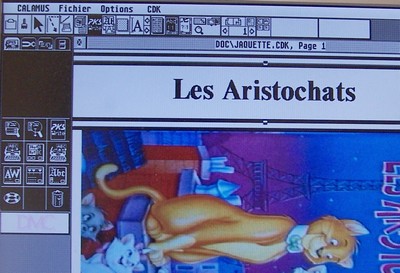
At last, I installed the graphic card. In this mode, with NVDI, the speed increases again as the Falcon don't have to access the slow ST RAM for video operations but uses instead the fast RAM integrated to the graphic card. My programs writing directly to the video RAM still work on this config! My settings are 800x600 with 16 bits, that's what you see on the image next. |
 |
 |
 |
 |
|
 |